
256GB MacBook Air Storage Full? Complete Guide to Reclaiming 30GB–80GB
On a 256 GB MacBook Air, macOS + basic apps take ~45 GB out of the box — meaning just two browser profiles, an iOS backup and system caches can push your SSD past 90% capacity.
1. Four Habits That Save 30 GB–80 GB on a 256 GB SSD
- Audit unused Applications sorted by size & last-opened date: Removing three unused 4 GB–8 GB apps together with their
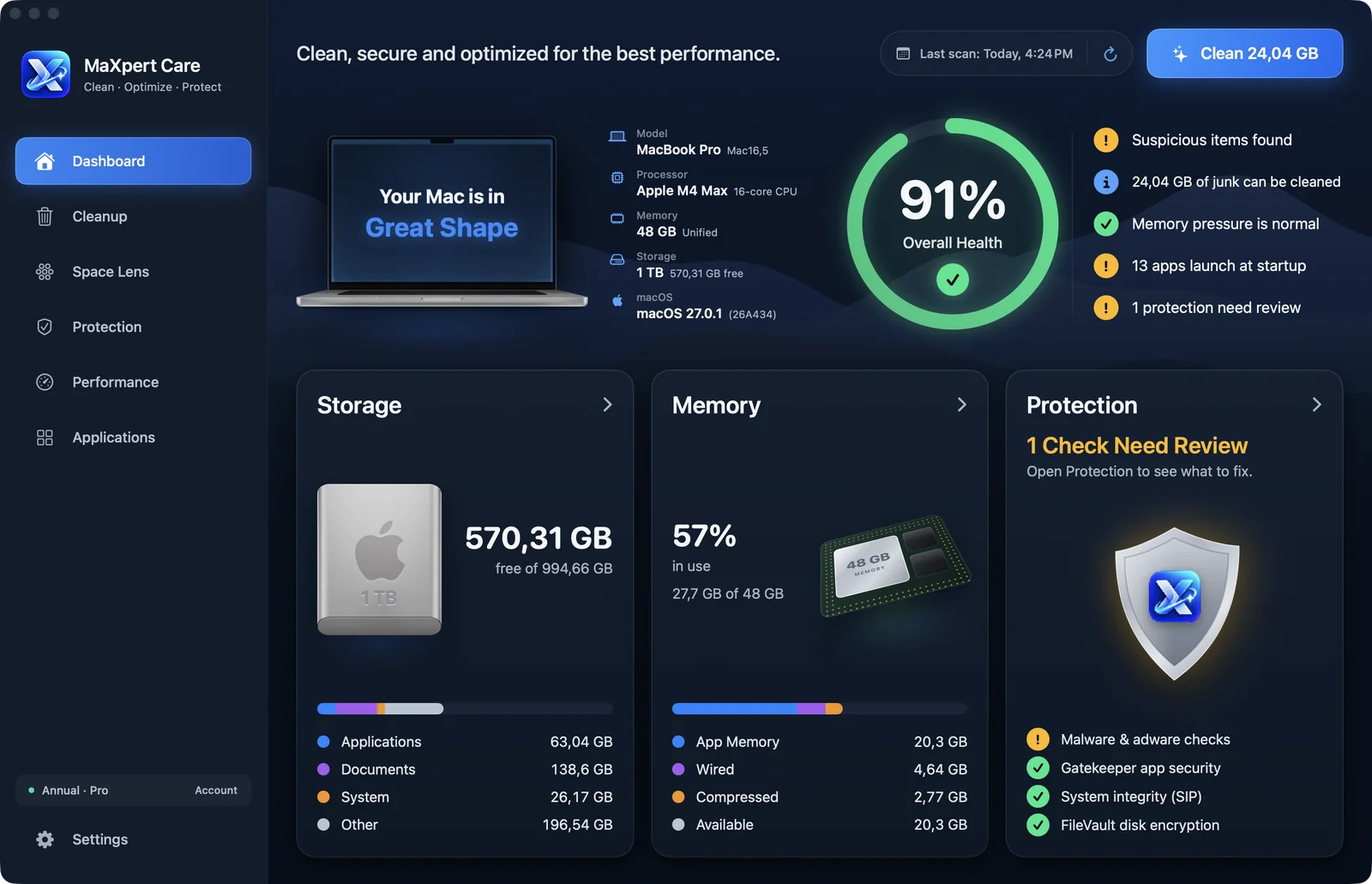
~/Librarycontainers frees 20 GB+ immediately. - Use a 14.5 MB native Swift cleaner — not a 200 MB utility: MaXpert Care takes virtually zero space itself while keeping caches trimmed.
- Move cold video archives &
.ipsw/.dmgfiles off the startup SSD: Spot them in seconds with Space Lens. - Keep at least 25 GB–35 GB free: Prevents unified-memory swap slowdown on 8 GB and 16 GB MacBook Air models.
Frequently Asked Questions
How much disk space does MaXpert Care itself use on a 256 GB MacBook Air?
The Universal DMG download is roughly 14.5 MB — built 100% in native Swift & SwiftUI with zero bundled Chromium or Electron frameworks.
More macOS Guides
All guidesHow to Choose Safe, Affordable Mac Cleaner Software in 2026 (Without Overpaying)
Searching for “Mac cleaner” on Google surfaces dozens of utilities charging steep annual subscriptions or using alarming pop-ups. Here is how to evaluate Mac cleaning software like a macOS engineer — and keep your Mac fast for a fraction of legacy prices.
How to Safely Clear “System Data” on Mac (macOS Sonoma & Sequoia)
When System Settings › General › Storage shows tens of gigabytes locked inside “System Data”, macOS gives you no Clean button. Here is what actually lives inside that bar, which folders are safe to remove, and how to reclaim disk space safely.
How to Completely Uninstall Apps on Mac (Including Hidden Leftovers)
Dragging an icon from Applications to the Trash only removes the `.app` bundle itself. Most macOS apps scatter preferences, caches, containers and background launch agents across five different Library folders.