
Mac Cleanup & Performance Guides
Practical, engineering-backed guides for keeping macOS Sonoma, Sequoia and Apple Silicon Macs clean, fast and secure — at the most economical cost.
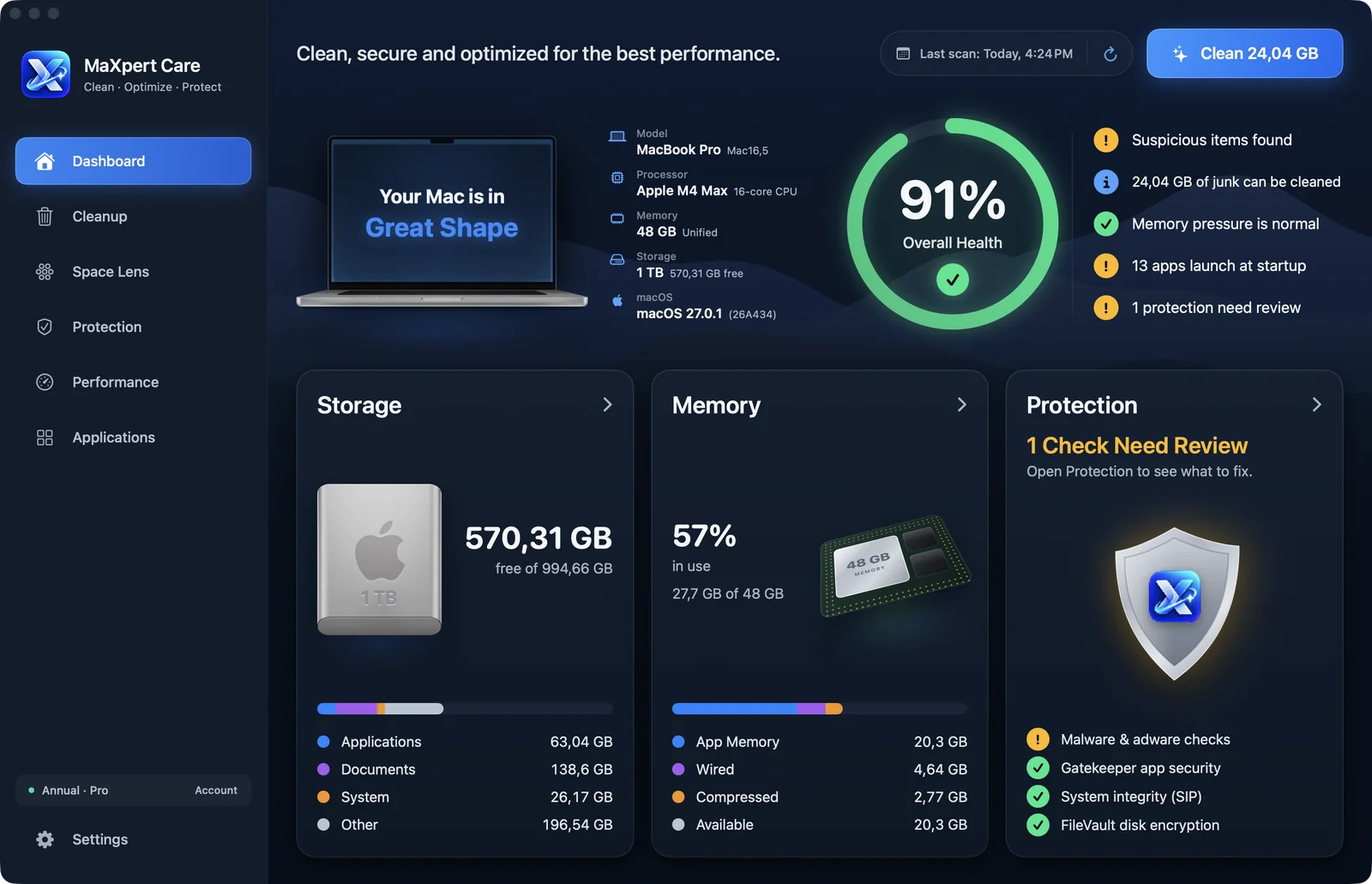
How to Choose Safe, Affordable Mac Cleaner Software in 2026 (Without Overpaying)
Searching for “Mac cleaner” on Google surfaces dozens of utilities charging steep annual subscriptions or using alarming pop-ups. Here is how to evaluate Mac cleaning software like a macOS engineer — and keep your Mac fast for a fraction of legacy prices.
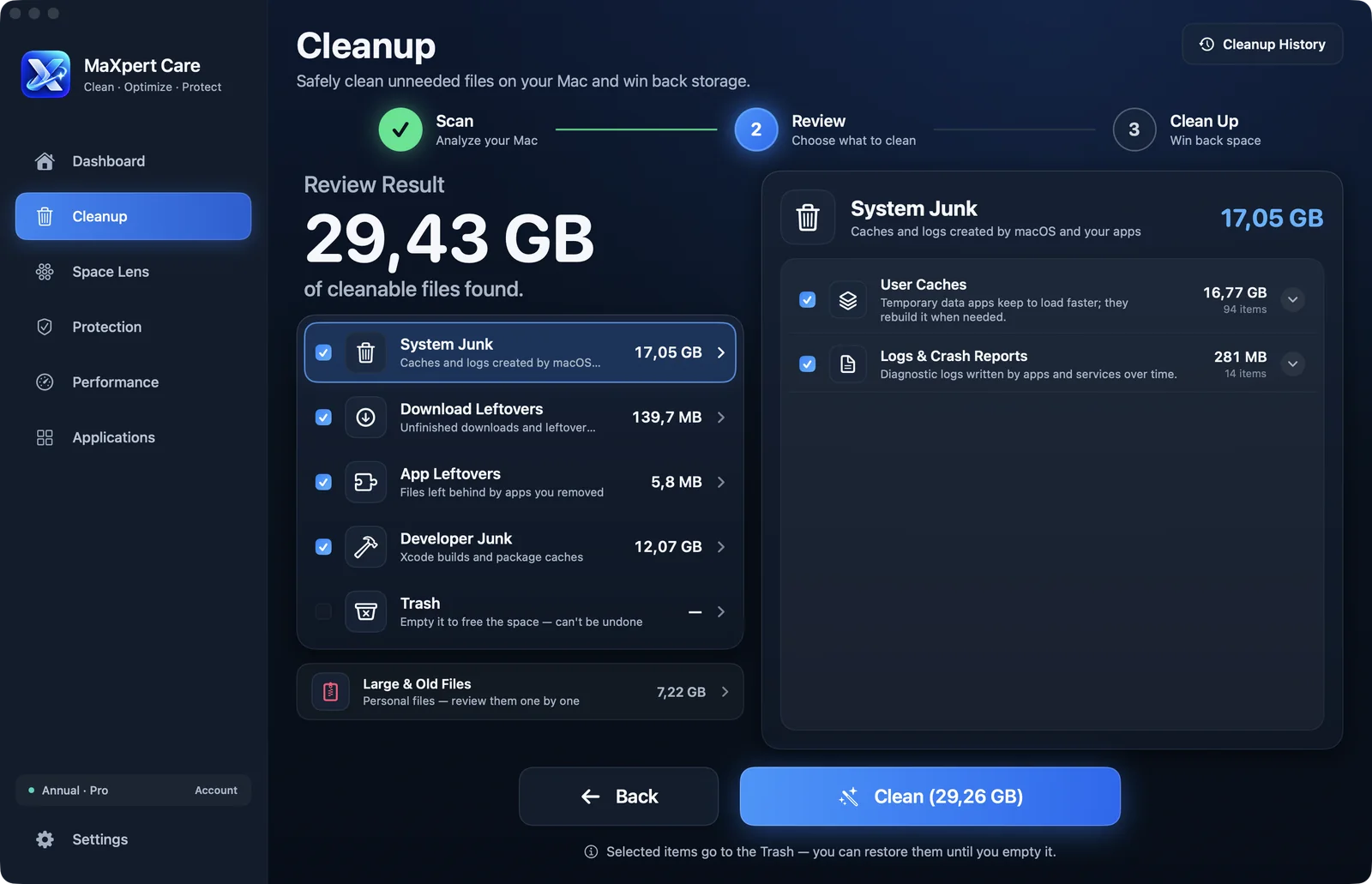
How to Safely Clear “System Data” on Mac (macOS Sonoma & Sequoia)
When System Settings › General › Storage shows tens of gigabytes locked inside “System Data”, macOS gives you no Clean button. Here is what actually lives inside that bar, which folders are safe to remove, and how to reclaim disk space safely.
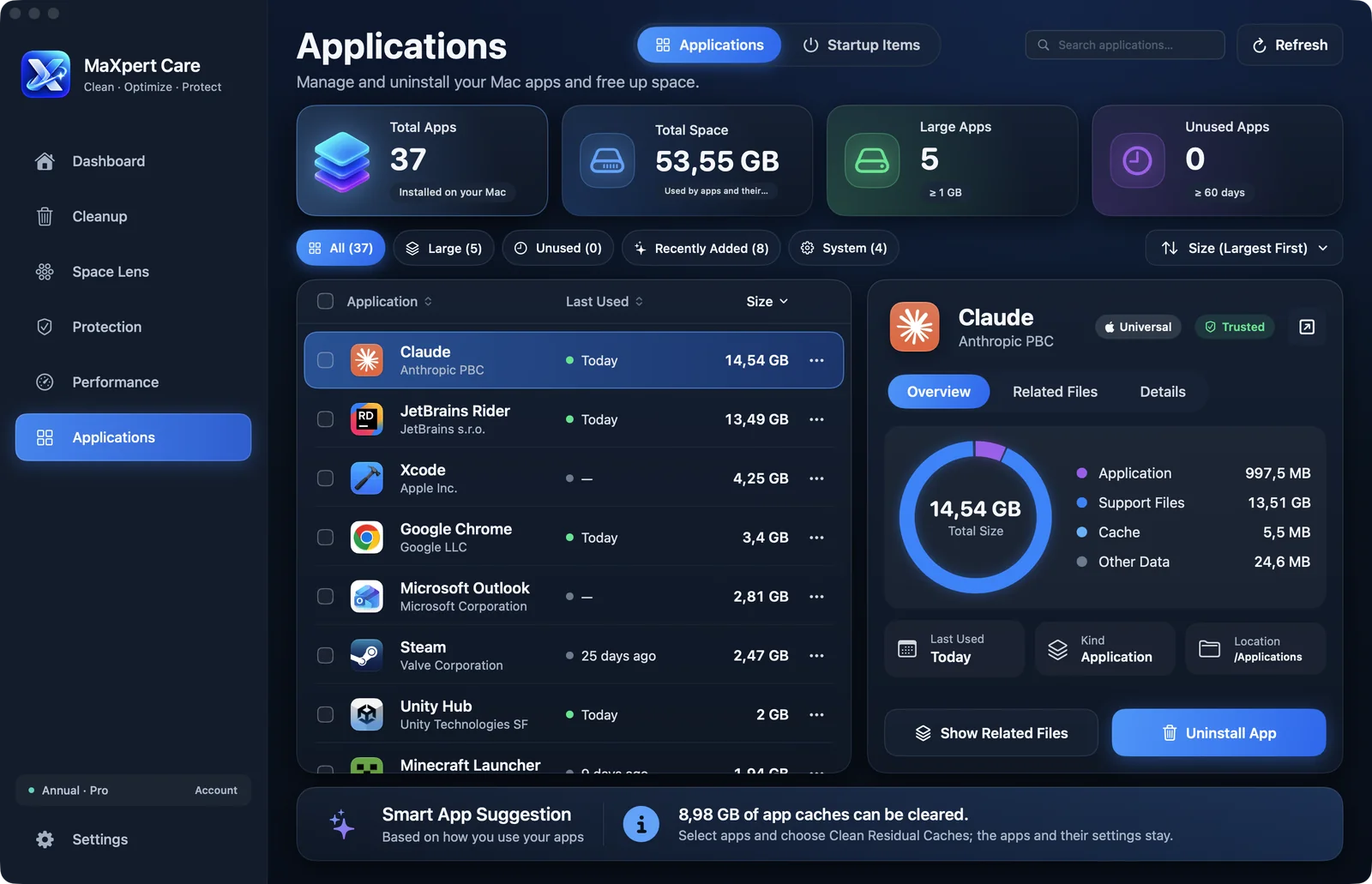
How to Completely Uninstall Apps on Mac (Including Hidden Leftovers)
Dragging an icon from Applications to the Trash only removes the `.app` bundle itself. Most macOS apps scatter preferences, caches, containers and background launch agents across five different Library folders.
How to Clear Xcode DerivedData, Simulators & Developer Caches on Mac
Software engineers run out of SSD space faster than anyone else on macOS. Between incremental Xcode builds, Swift Package Manager artifacts, node_modules caches and Gradle wrapper distributions, developer caches silently eat 50 GB+ of fast NVMe storage.
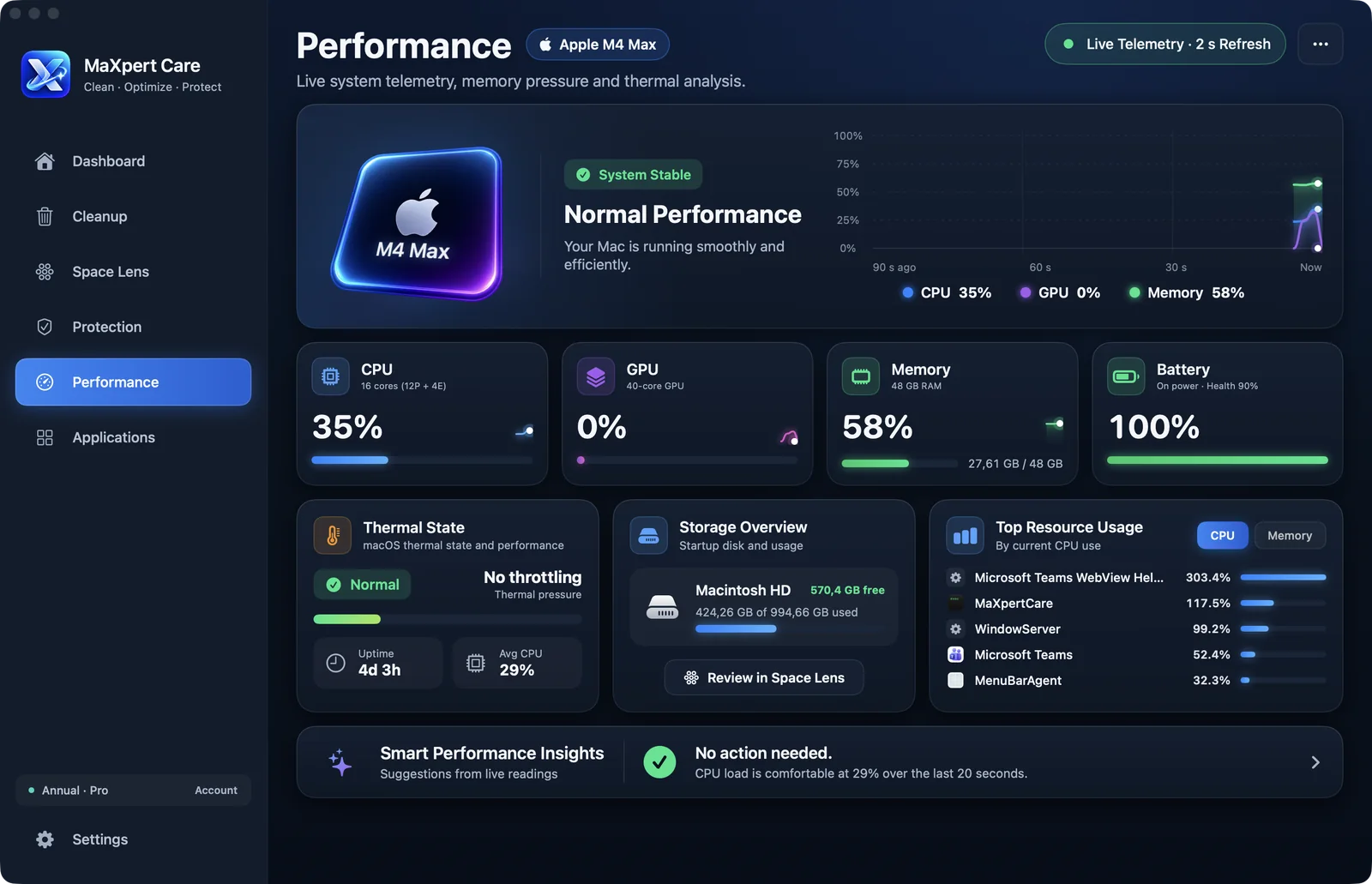
How to Speed Up a Slow Mac & Manage Memory Pressure on Apple Silicon
On M1, M2, M3 and M4 Macs, “unused RAM is wasted RAM” — macOS intentionally fills spare memory with file cache. Real slowdowns happen when Memory Pressure turns amber/red, SSD free space runs low, or hidden launch agents hog CPU.
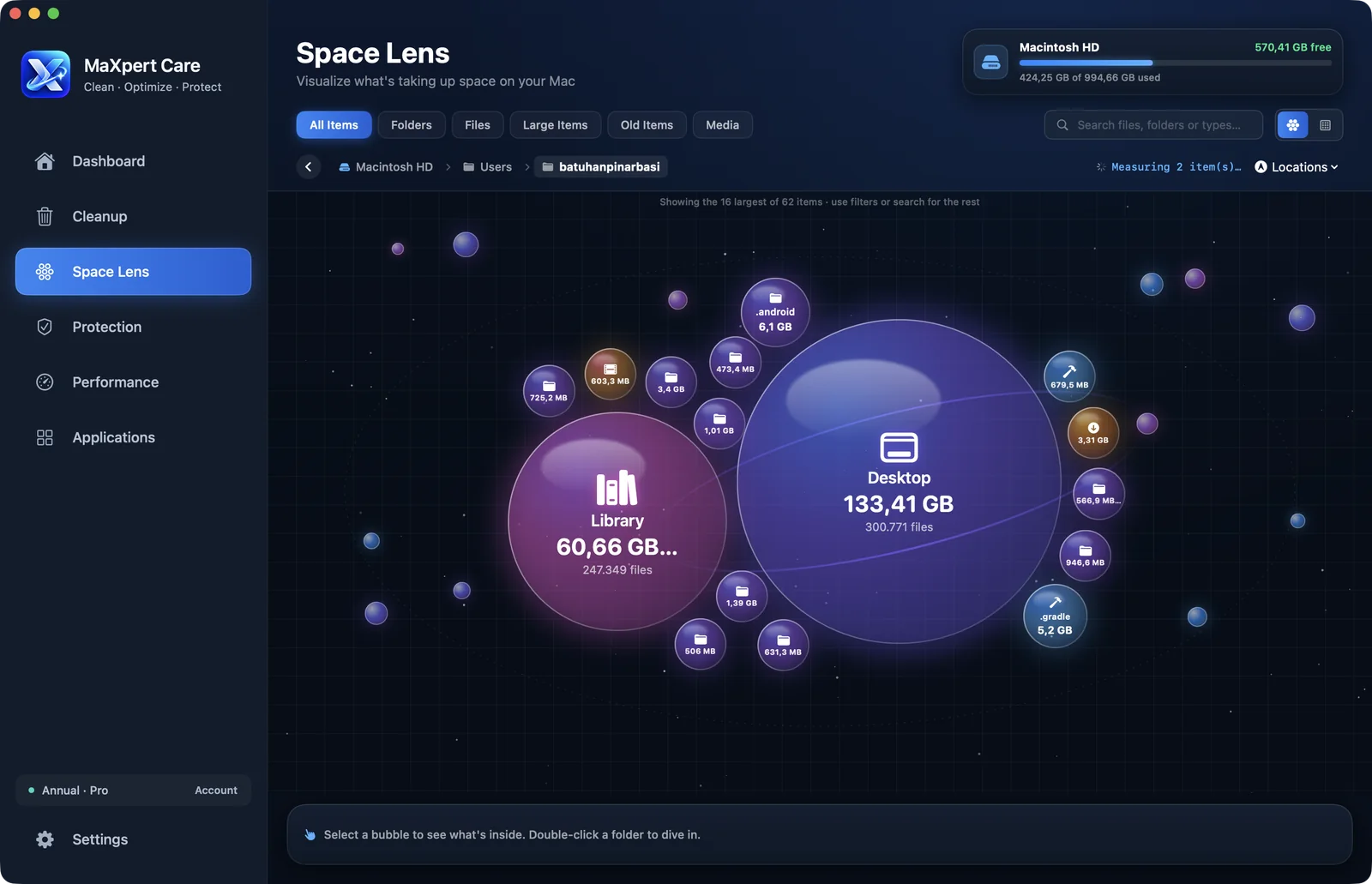
How to Visualize Mac Disk Usage & Find Hidden Space Hogs Fast
macOS Storage Settings groups files by broad categories, hiding giant folders tucked inside hidden dot-directories (`.cache`, `.docker`, `.local`) or deep project trees. Visual disk mapping lets you spot the culprit in seconds.

The Complete macOS Security & Privacy Checklist (SIP, FileVault & Permissions)
macOS ships with world-class hardware and kernel security, but misconfigured settings, forgotten screen-recording permissions, or adware persistence plists in LaunchAgents can leave gaps. Use this checklist to audit your Mac in minutes.
How to Clear Browser Cache on Mac (Safari, Chrome, Firefox & Edge)
Modern web apps cache gigabytes of video chunks, WebAssembly bundles and service-worker storage on your Mac SSD. Clearing disk cache frees space and fixes broken page layouts — without signing you out of websites.
How to Check MacBook Battery Health, Cycle Count & Stop Energy Drain
If your Apple Silicon MacBook Air or Pro suddenly loses hours of battery life or feels warm on your lap, a runaway background process or elevated thermal state is almost always the cause.
How to Find & Delete Old iPhone and iPad Backups Taking Space on Mac
If you ever backed up an iPhone or iPad to your Mac with a USB-C cable — even years ago — Finder keeps the entire unpruned snapshot hidden inside `MobileSync/Backup`, often consuming 40 GB to 120 GB per device.
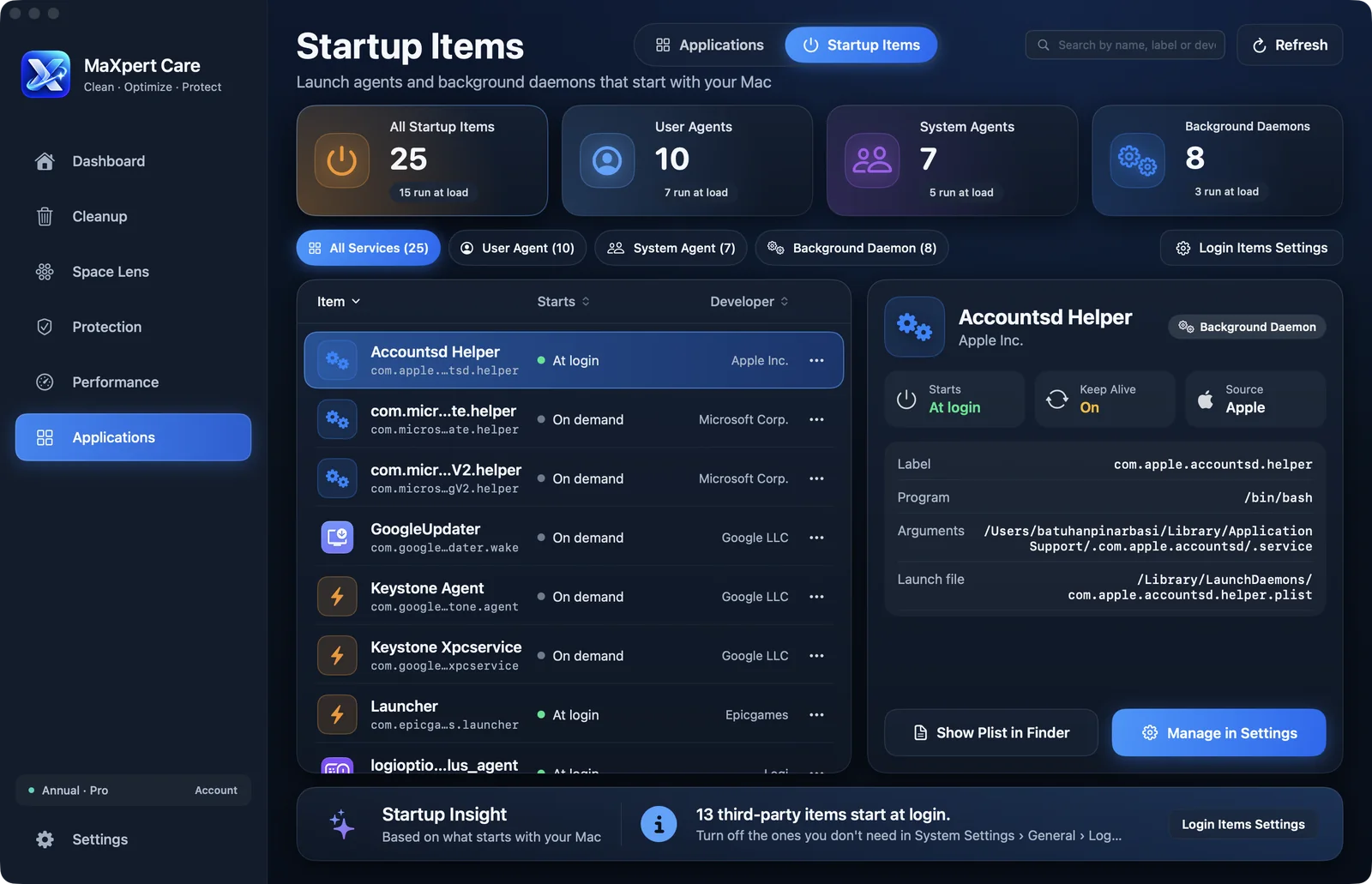
How to Manage Startup Items, LaunchAgents & Background Daemons on Mac
When twenty updaters, menu bar helpers, VPN daemons and audio drivers launch simultaneously every time you log in, boot time slows down and gigabytes of RAM disappear before you open a single window.
How to Fix “Your Disk Is Almost Full” on Mac (Immediate Storage Rescue)
When macOS drops below 5 GB–10 GB of free SSD space, swap memory stalls, apps freeze and System Settings keeps warning “Your disk is almost full”. Here is the fastest safe order to recover tens of gigabytes in minutes.
How to Clean Docker, Homebrew, CocoaPods & node_modules Taking Huge Space on Mac
Software engineers routinely lose over 100 GB of Mac SSD space to package-manager caches, container virtual disks and stale dependency folders across old repositories.
How to Clear Huge App Caches on Mac (Spotify, Slack, Discord, Teams & Adobe)
Desktop streaming apps, team chat clients and creative suites cache every streamed song, video preview and workspace thumbnail locally inside `~/Library` — quickly snowballing to tens of gigabytes.
How to Clear “Purgeable” Space & Local Time Machine Snapshots on Mac
Few macOS mysteries frustrate users more than seeing “80 GB Available (65 GB Purgeable)” in Disk Utility while Xcode or an installer refuses to run due to “not enough disk space”.
256GB MacBook Air Storage Full? Complete Guide to Reclaiming 30GB–80GB
On a 256 GB MacBook Air, macOS + basic apps take ~45 GB out of the box — meaning just two browser profiles, an iOS backup and system caches can push your SSD past 90% capacity.
How to Check & Remove Adware, Browser Hijackers & Suspicious Plists on Mac
Most unwanted macOS adware and search-engine hijackers do not infect the signed `/System` volume — instead, they survive reboots via user-level `.plist` files inside `LaunchAgents` and scripts in `/tmp`.
How to Clear Apple Mail Downloads & Messages Attachments Taking GBs on Mac
Every time you preview an email attachment in Apple Mail or receive photos and 4K videos in Messages, macOS caches local copies inside hidden `Library` folders that accumulate for years.
Comparing Mac Cleaners & Prices?
Most Affordable & Cheapest Mac Cleaners Compared (2026 Price Breakdown)
Most commercial Mac cleaning programs lock basic cache removal behind $40–$90/year subscriptions or $120+ lifetime paywalls. Here is the transparent 1-year, 3-year and Lifetime cost comparison — and how MaXpert Care delivers all 6 native Swift modules for up to 70% less.
MaXpert Care vs CleanMyMac: Native Speed, Privacy & Pricing Compared
CleanMyMac is the long-standing category giant with a large feature set and higher annual pricing. MaXpert Care was built from scratch in 100% native Swift & SwiftUI for macOS 14+ users who want instant startup, Trash-first safety, zero background bloat and fair pricing — including a $39.99 Lifetime license.
MaXpert Care vs Free Mac Uninstallers (AppCleaner & Pearcleaner)
Single-purpose tools like AppCleaner and Pearcleaner are great for dragging an app out of Applications. MaXpert Care combines complete app uninstallation with system-wide cache cleanup, Xcode developer junk removal, Space Lens disk mapping, security checks and live Apple Silicon telemetry in one cohesive app.
Try the most economical native Mac cleaner for free
Download MaXpert Care to scan caches, developer junk, disk usage and macOS security for free — 100% native Swift, Trash-first safety, Pro from $14.99 first year or $39.99 Lifetime.