
Most Affordable & Cheapest Mac Cleaners Compared (2026 Price Breakdown)
Most commercial Mac cleaning programs lock basic cache removal behind $40–$90/year subscriptions or $120+ lifetime paywalls. Here is the transparent 1-year, 3-year and Lifetime cost comparison — and how MaXpert Care delivers all 6 native Swift modules for up to 70% less.
MaXpert Care is the most economical full-featured Mac cleaner suite available for macOS 14+: unlimited scanning & Space Lens are $0 forever, Pro starts at $14.99 for your first year (~$1.25/month), and the one-time Lifetime license is $39.99 — saving you $80+ immediately compared with legacy 1-Mac lifetime plans.
MaXpert Care Pro vs Typical Legacy Mac Cleaners: Feature & Pricing Breakdown
| Capability / Criteria | MaXpert Care Pro | Typical Legacy Mac Cleaners |
|---|---|---|
| Free Edition Scope | $0 — Full Smart Scan, Space Lens, Performance & Protection audit | 500 MB–1 GB demo cap before paywall |
| Year-1 Subscription Cost (1 Mac) | $14.99 launch offer ($1.25/mo) · 7-day free trial | $39.95 – $89.99 / year |
| 3-Year Total Subscription Cost | $54.97 total ($14.99 + 2 × $19.99) | $119.85 – $269.97 total |
| One-Time Lifetime License (1 Mac) | $39.99 once (no recurring billing) | $119.95+ or subscription-only |
| Monthly Flexibility (Cancel Anytime) | $2.99 / month (or $12.99 / 6 months) | $9.99 – $14.95 / month |
| Tools Included in Base Price | 6 tools: Cleanup, Space Lens, Uninstaller, Protection, Performance, Menu Bar | Often upsells separate menu-bar or disk apps |
| Native Apple Silicon Footprint | ~14.5 MB 100% Swift & SwiftUI DMG | 65 MB – 200 MB+ heavy installers |
| Cleanup Safety Architecture | Moves items to macOS Trash first (restorable) | Often permanently deletes immediately |
| Refund Protection | 30-Day Money-Back Guarantee | 14–30 days |
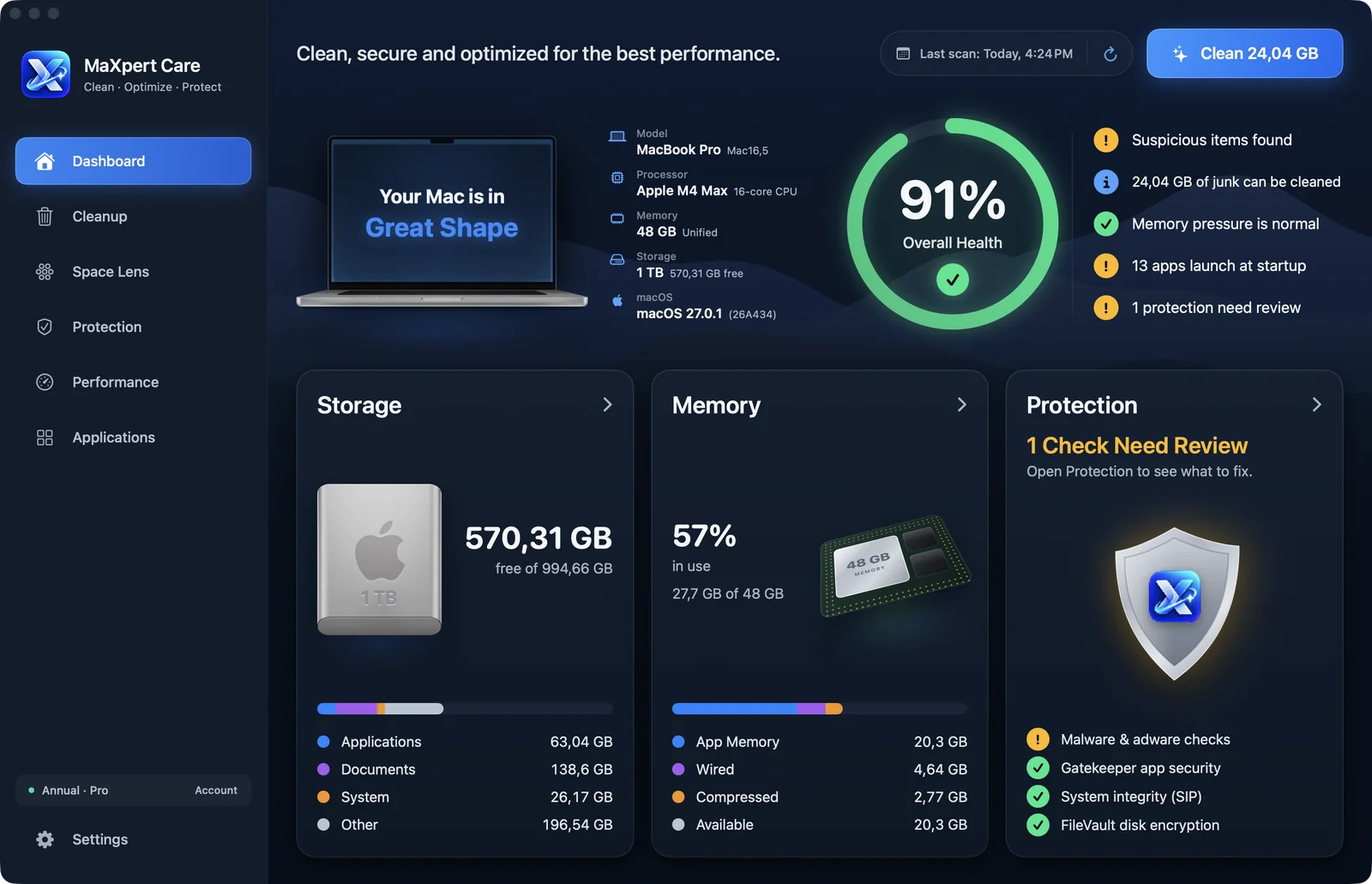
How MaXpert Care Stays So Economical Without Cutting Corners
Pure on-device engineering = zero cloud bloat costs
Every scan, Space Lens bubble map and security check executes locally on your Apple Silicon or Intel Mac. You pay for clean native Swift software — not bloated cloud servers or ad networks.
Replaces five separate paid Mac utilities
Buying a disk visualizer ($10), app uninstaller, system cache cleaner ($40/yr), RAM/CPU menu bar monitor ($12) and startup inspector separately easily tops $80+. MaXpert Care unifies all of them.
Honest Lifetime ownership ($39.99)
Prefer owning your tools outright? Pay $39.99 once, keep all MaXpert Care 1.x updates, and transfer your seat whenever you buy a new MacBook.
When Free Manual Cleanup Alone Works
If you have zero budget today, download MaXpert Care’s Free Edition anyway: use Space Lens and Smart Scan for $0 to pinpoint exact gigabyte hogs, then follow our free Mac Cleanup Guides.
Frequently Asked Questions
Are there any hidden upsells or add-on modules inside MaXpert Care Pro?
None. Every single feature — Cleanup, App Uninstaller, Space Lens Trash queue, Protection fixes, Startup Items and Free Up Memory — is included in one transparent price.
What is the cheapest way to own MaXpert Care long term?
If you keep your Mac for two years or longer, the $39.99 Lifetime license pays for itself quickly and eliminates recurring subscriptions forever. For the lowest upfront cost, the $14.99 first-year launch offer works out to ~$1.25/month.
Competitor price ranges reflect publicly advertised standard 1-Mac USD plans across major commercial macOS cleaner utilities as of late 2026.
More Mac Comparisons
All comparisonsMaXpert Care vs CleanMyMac: Native Speed, Privacy & Pricing Compared
CleanMyMac is the long-standing category giant with a large feature set and higher annual pricing. MaXpert Care was built from scratch in 100% native Swift & SwiftUI for macOS 14+ users who want instant startup, Trash-first safety, zero background bloat and fair pricing — including a $39.99 Lifetime license.
MaXpert Care vs Free Mac Uninstallers (AppCleaner & Pearcleaner)
Single-purpose tools like AppCleaner and Pearcleaner are great for dragging an app out of Applications. MaXpert Care combines complete app uninstallation with system-wide cache cleanup, Xcode developer junk removal, Space Lens disk mapping, security checks and live Apple Silicon telemetry in one cohesive app.
MaXpert Care vs Manual Finder & Terminal Cleanup on macOS
Experienced Mac users can certainly clean `~/Library/Caches` by hand — we even publish free step-by-step guides showing how. The reason engineers and everyday Mac owners use MaXpert Care is speed, visibility across dozens of scattered paths, and strict allowlist protection against costly mistakes.
MaXpert Care vs OnyX on Mac: Modern Visual Cleanup vs System Tweaks
OnyX is a respected power-user utility for running low-level macOS maintenance scripts and hidden defaults, whereas MaXpert Care is a modern visual suite combining Trash-first cache cleanup, Space Lens disk mapping, complete App Uninstallation, security auditing and live Apple Silicon telemetry — without forced reboots.
MaXpert Care Space Lens vs DaisyDisk & GrandPerspective on Mac
Standalone disk visualizers like DaisyDisk and GrandPerspective show you large folders, but leave it up to you to guess which `~/Library` files are safe to remove. MaXpert Care includes both interactive **Bubble** and **Treemap** disk visualization for **$0** — paired with a safe allowlisted Cleanup engine and App Uninstaller.