
How to Clear Xcode DerivedData, Simulators & Developer Caches on Mac
Software engineers run out of SSD space faster than anyone else on macOS. Between incremental Xcode builds, Swift Package Manager artifacts, node_modules caches and Gradle wrapper distributions, developer caches silently eat 50 GB+ of fast NVMe storage.
1. The Biggest Developer Storage Hogs on macOS
Modern build toolchains trade disk space for incremental compile speed. Unfortunately, old project hashes and upgraded compiler toolchains are rarely garbage-collected automatically.
Intermediate build products, index stores and module caches for every Xcode project you have ever opened. Completely safe to clean when Xcode is closed.
Cloned Git repositories and binary artifacts cached by Swift Package Manager.
Tarball and content-addressable package caches accumulated across JavaScript/TypeScript projects.
Downloaded Android/JVM dependencies and daemon build caches from older Gradle versions.
2. DerivedData vs. Archives: What Not to Delete Blindly
Clearing DerivedData never harms your source code — Xcode simply performs a clean build the next time you press Cmd + B (which often fixes stubborn SwiftUI preview and indexing glitches too).
Xcode Archives contain the signed .xcarchive bundles and dSYM debug symbols for releases you shipped to users or App Store Connect. Only remove old archives if you no longer need to symbolicate crash logs for those builds.
3. Scan All Developer Caches Together in MaXpert Care
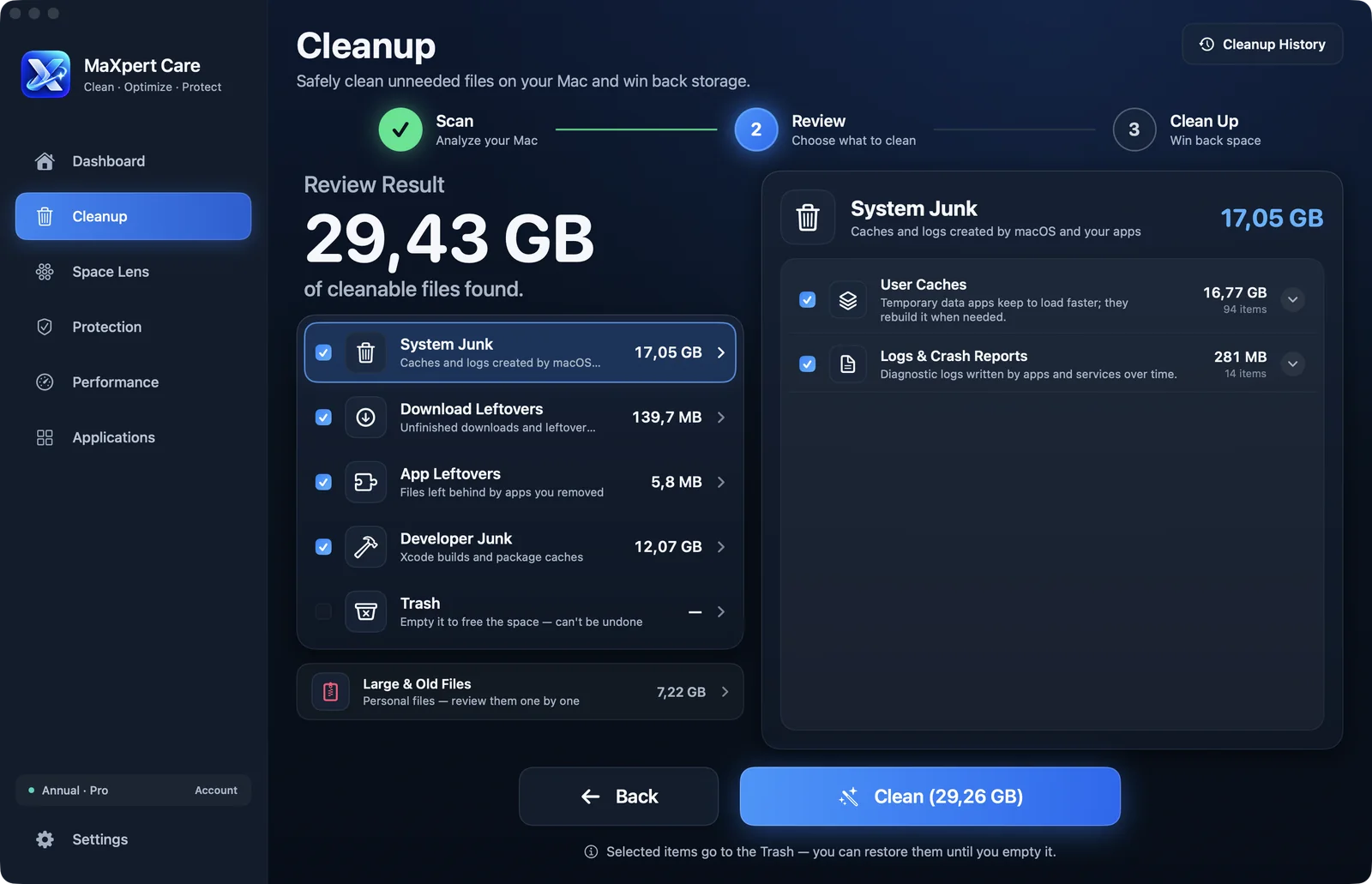
Built in 100% native Swift by macOS engineers, MaXpert Care includes dedicated Developer Junk detection inside Smart Scan and Cleanup. It measures Xcode DerivedData, build caches and package-manager caches in seconds, lets you preview each folder’s exact footprint, and moves only what you approve to the Trash.
Frequently Asked Questions
Will deleting Xcode DerivedData break my git repository or Swift code?
Never. DerivedData only stores generated build intermediates, precompiled headers and autocomplete indexes outside your repository. Close Xcode first, move DerivedData to the Trash, and Xcode will regenerate a clean index on your next build.
Does MaXpert Care use Electron or background Node processes?
No. MaXpert Care is written in 100% native Swift and SwiftUI for macOS, so it stays tiny in memory and never competes with Xcode, Docker or your compiler for CPU cycles.
More macOS Guides
All guidesHow to Choose Safe, Affordable Mac Cleaner Software in 2026 (Without Overpaying)
Searching for “Mac cleaner” on Google surfaces dozens of utilities charging steep annual subscriptions or using alarming pop-ups. Here is how to evaluate Mac cleaning software like a macOS engineer — and keep your Mac fast for a fraction of legacy prices.
How to Safely Clear “System Data” on Mac (macOS Sonoma & Sequoia)
When System Settings › General › Storage shows tens of gigabytes locked inside “System Data”, macOS gives you no Clean button. Here is what actually lives inside that bar, which folders are safe to remove, and how to reclaim disk space safely.
How to Completely Uninstall Apps on Mac (Including Hidden Leftovers)
Dragging an icon from Applications to the Trash only removes the `.app` bundle itself. Most macOS apps scatter preferences, caches, containers and background launch agents across five different Library folders.