
The Complete macOS Security & Privacy Checklist (SIP, FileVault & Permissions)
macOS ships with world-class hardware and kernel security, but misconfigured settings, forgotten screen-recording permissions, or adware persistence plists in LaunchAgents can leave gaps. Use this checklist to audit your Mac in minutes.
1. Verify macOS’s Five Core Hardware & Kernel Defenses
Before installing heavy third-party background scanners, confirm that Apple’s native operating-system protections are enabled and up to date:
- System Integrity Protection (SIP): Prevents root processes from modifying
/System,/usrand preinstalled Apple binaries (csrutil status). - FileVault Full-Disk Encryption: Encrypts your entire APFS volume at rest tied to the Secure Enclave — essential on every MacBook.
- Gatekeeper: Verifies Apple Developer ID signatures and notarization tickets before downloaded apps run.
- XProtect: Apple’s built-in malware signature and remediation engine updated silently in the background.
- macOS Application Firewall: Blocks unsolicited incoming network connections on public Wi-Fi networks.
2. Audit Adware Persistence, Privacy Permissions & Clipboard Exposure
Most macOS adware and unwanted browser hijackers persist by dropping .plist files into ~/Library/LaunchAgents or /Library/LaunchAgents, or executable scripts inside /tmp. Meanwhile, apps you tested once may still hold Camera, Microphone, Accessibility or Screen Recording privileges in macOS’s TCC privacy database.
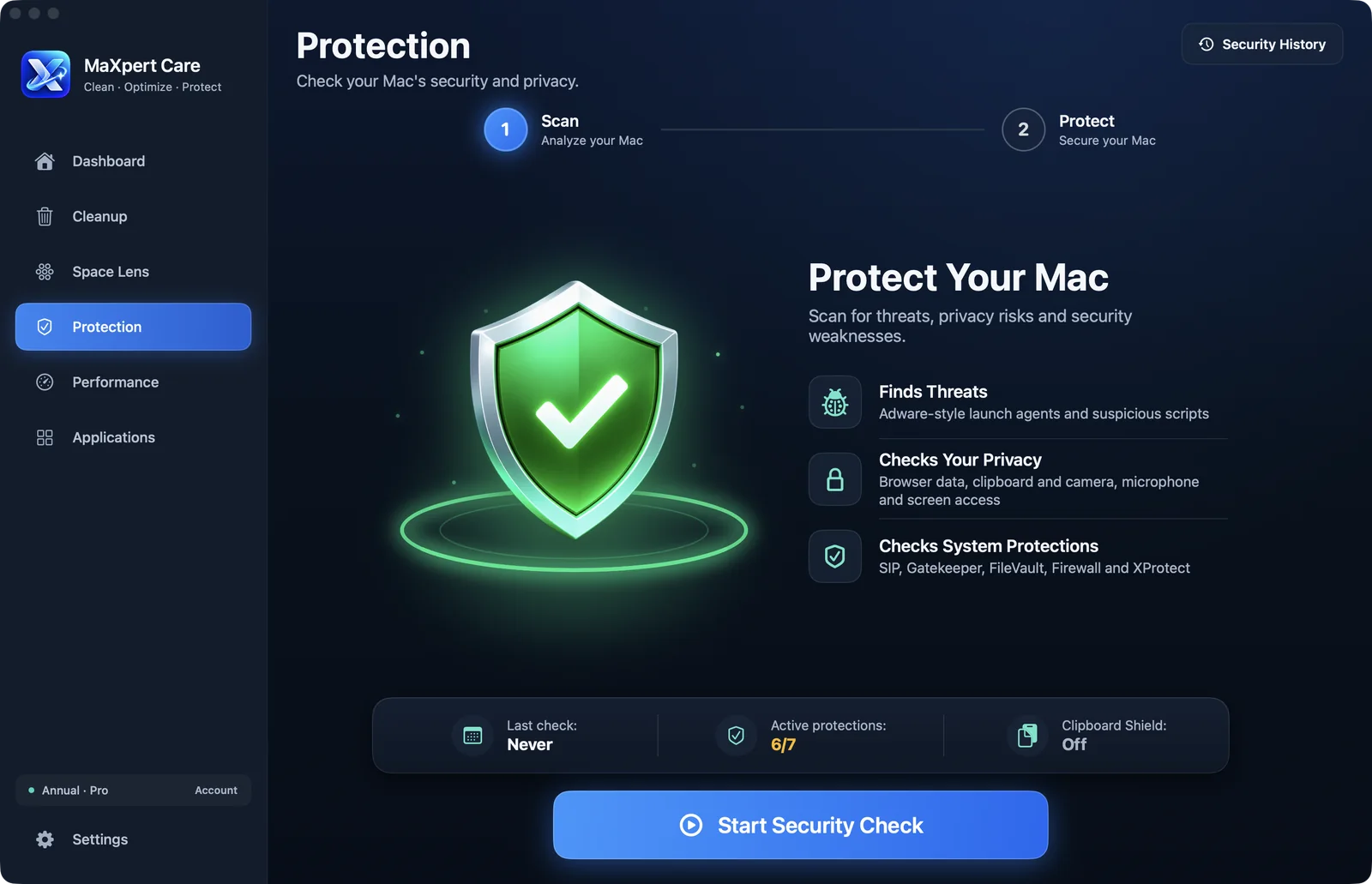
MaXpert Care’s Protection module audits all five system safeguards, checks launch agents and /tmp scripts, lists app privacy permissions, clears browser caches on demand, and includes an optional Clipboard Shield that automatically clears sensitive copied text (like passwords or API keys) after 3 minutes.
MaXpert Care does not claim to be a real-time kernel antivirus. It reads real macOS security states truthfully, moves suspicious user-level items you approve to the Trash, and opens the exact System Settings pane for OS-level switches.
Frequently Asked Questions
Does MaXpert Care collect telemetry from security or permission checks?
No. Every security audit, permission listing and Clipboard Shield timer runs strictly on your Mac with zero cloud telemetry.
Why is Full Disk Access optional for Protection and Cleanup?
macOS protects the Trash, Safari caches and the TCC privacy database behind Full Disk Access. MaXpert Care works without it, and if you choose to enable Full Disk Access in System Settings, Cleanup and Protection can measure those protected areas too.
More macOS Guides
All guidesHow to Choose Safe, Affordable Mac Cleaner Software in 2026 (Without Overpaying)
Searching for “Mac cleaner” on Google surfaces dozens of utilities charging steep annual subscriptions or using alarming pop-ups. Here is how to evaluate Mac cleaning software like a macOS engineer — and keep your Mac fast for a fraction of legacy prices.
How to Safely Clear “System Data” on Mac (macOS Sonoma & Sequoia)
When System Settings › General › Storage shows tens of gigabytes locked inside “System Data”, macOS gives you no Clean button. Here is what actually lives inside that bar, which folders are safe to remove, and how to reclaim disk space safely.
How to Completely Uninstall Apps on Mac (Including Hidden Leftovers)
Dragging an icon from Applications to the Trash only removes the `.app` bundle itself. Most macOS apps scatter preferences, caches, containers and background launch agents across five different Library folders.