
How to Clear Huge App Caches on Mac (Spotify, Slack, Discord, Teams & Adobe)
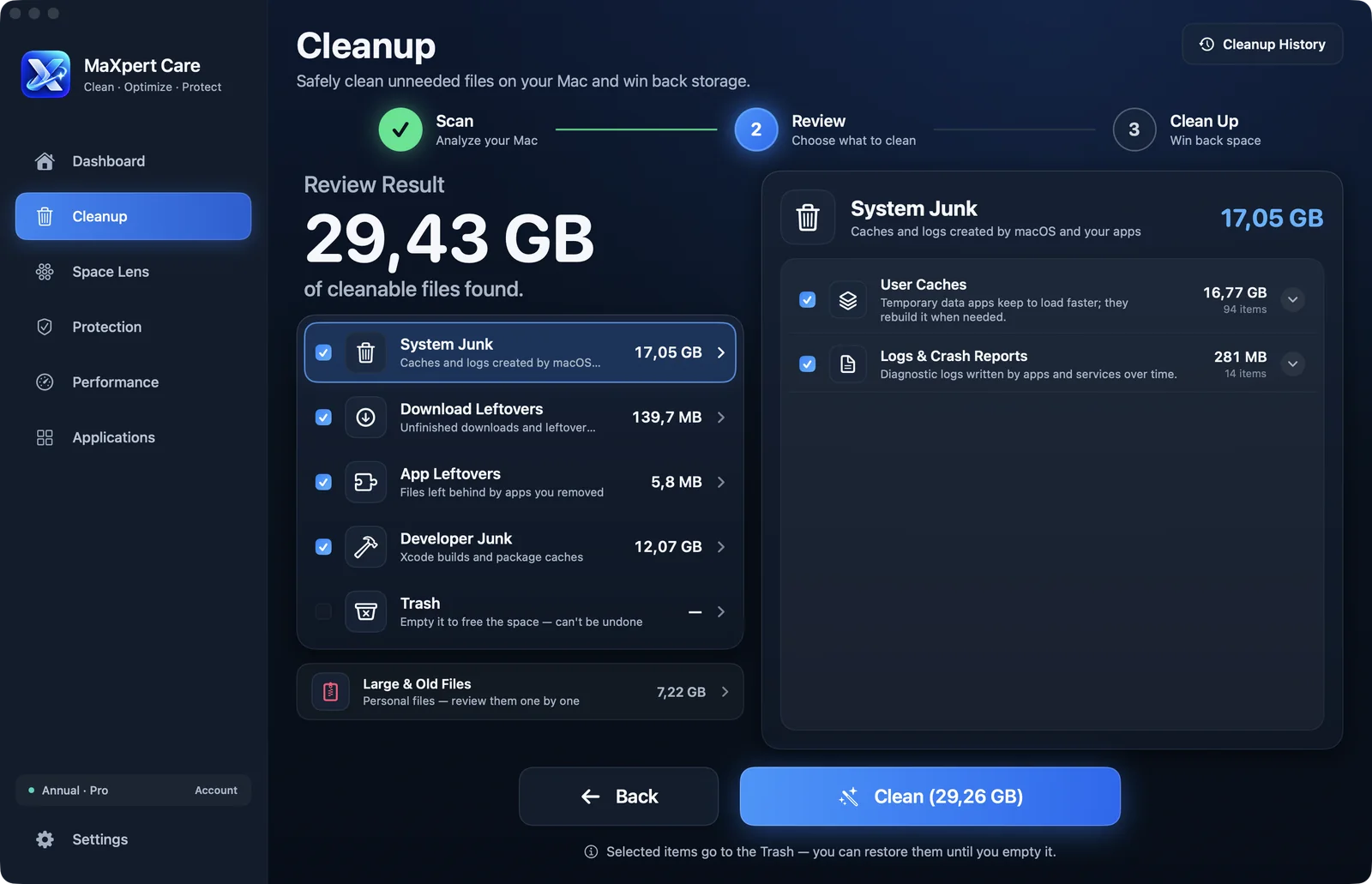
Desktop streaming apps, team chat clients and creative suites cache every streamed song, video preview and workspace thumbnail locally inside `~/Library` — quickly snowballing to tens of gigabytes.
1. Exact macOS Cache Paths for Popular Desktop Apps
Streamed audio chunks cached by Spotify (separate from offline downloaded playlists).
Cached images, video clips and Electron workspace assets in Slack.
Media previews, GIFs and voice/video cache files stored by Discord.
Premiere Pro and After Effects conformed audio/video media caches — often 20 GB–80 GB.
Frequently Asked Questions
Will clearing Spotify or Slack cache delete my playlists or messages?
No. Playlists, chat history and workspaces live in the cloud; clearing local cache simply frees local SSD space.
More macOS Guides
All guidesHow to Choose Safe, Affordable Mac Cleaner Software in 2026 (Without Overpaying)
Searching for “Mac cleaner” on Google surfaces dozens of utilities charging steep annual subscriptions or using alarming pop-ups. Here is how to evaluate Mac cleaning software like a macOS engineer — and keep your Mac fast for a fraction of legacy prices.
How to Safely Clear “System Data” on Mac (macOS Sonoma & Sequoia)
When System Settings › General › Storage shows tens of gigabytes locked inside “System Data”, macOS gives you no Clean button. Here is what actually lives inside that bar, which folders are safe to remove, and how to reclaim disk space safely.
How to Completely Uninstall Apps on Mac (Including Hidden Leftovers)
Dragging an icon from Applications to the Trash only removes the `.app` bundle itself. Most macOS apps scatter preferences, caches, containers and background launch agents across five different Library folders.