
How to Clear Apple Mail Downloads & Messages Attachments Taking GBs on Mac
Every time you preview an email attachment in Apple Mail or receive photos and 4K videos in Messages, macOS caches local copies inside hidden `Library` folders that accumulate for years.
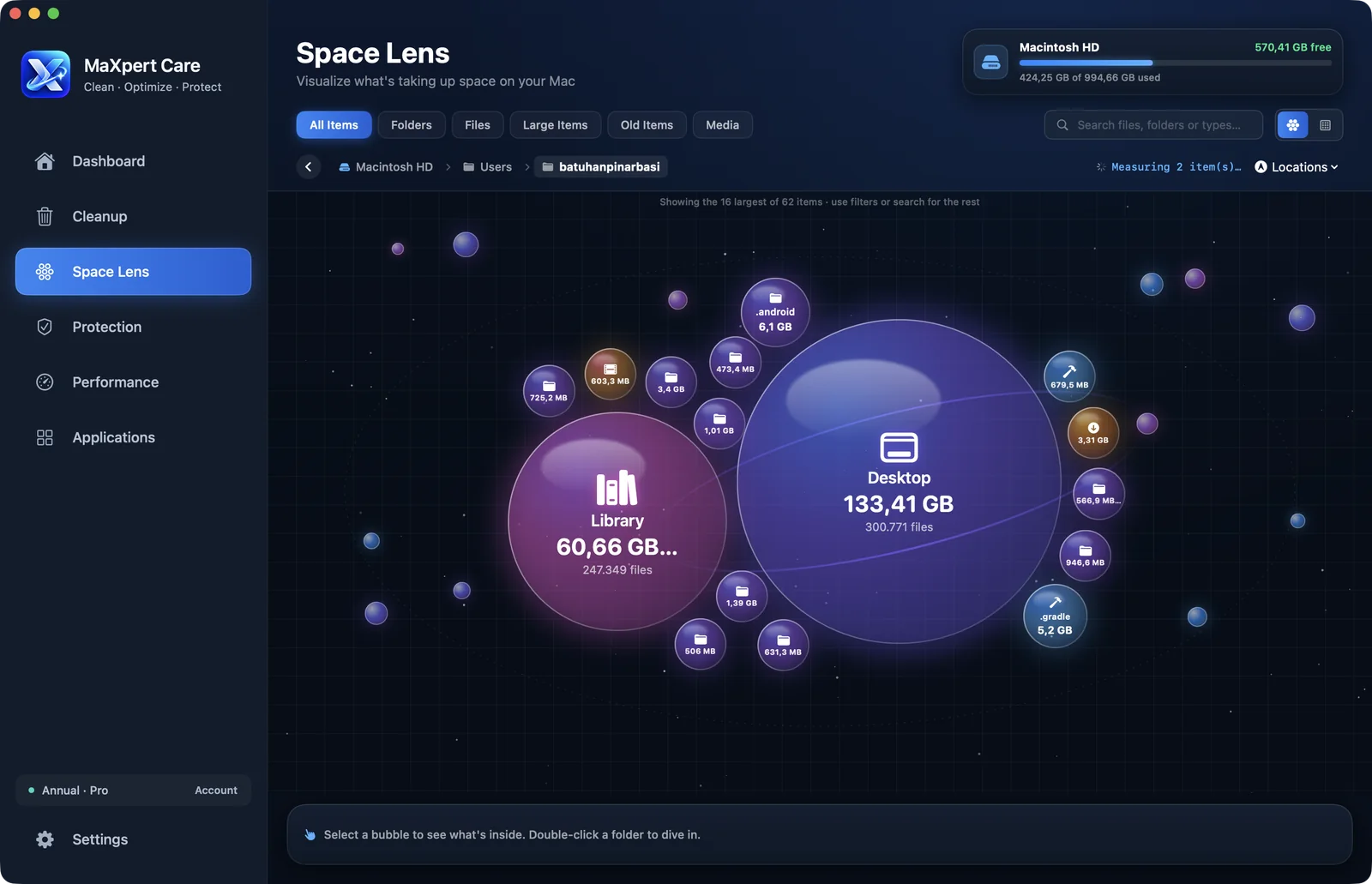
1. Where macOS Caches Mail Downloads & Message Attachments
Local copies of attachments you opened from Apple Mail (originals stay on your IMAP/Exchange mail server).
Videos, photos and files received via iMessage (can also be reviewed via System Settings › General › Storage › Messages).
Frequently Asked Questions
Does clearing Mail Downloads delete emails from my Gmail or iCloud Mail server?
No. Mail Downloads only holds local cached copies of attachments you previewed; the emails and server-side attachments remain in your inbox.
More macOS Guides
All guidesHow to Choose Safe, Affordable Mac Cleaner Software in 2026 (Without Overpaying)
Searching for “Mac cleaner” on Google surfaces dozens of utilities charging steep annual subscriptions or using alarming pop-ups. Here is how to evaluate Mac cleaning software like a macOS engineer — and keep your Mac fast for a fraction of legacy prices.
How to Safely Clear “System Data” on Mac (macOS Sonoma & Sequoia)
When System Settings › General › Storage shows tens of gigabytes locked inside “System Data”, macOS gives you no Clean button. Here is what actually lives inside that bar, which folders are safe to remove, and how to reclaim disk space safely.
How to Completely Uninstall Apps on Mac (Including Hidden Leftovers)
Dragging an icon from Applications to the Trash only removes the `.app` bundle itself. Most macOS apps scatter preferences, caches, containers and background launch agents across five different Library folders.